At Nye County School District, keeping our families connected, informed, and engaged is at the heart of everything we do. Whether you reside in Pahrump or in one of our close-knit rural communities across Amargosa, Beatty, Gabbs, Round Mountain, or Tonopah, clear communication between home and school is essential to student success.
NCSD is committed to providing a high-quality, supportive educational environment for every student. Part of that commitment means listening to our community, and you spoke loud and clear! Parents requested a single, unified communication platform rather than juggling multiple apps.
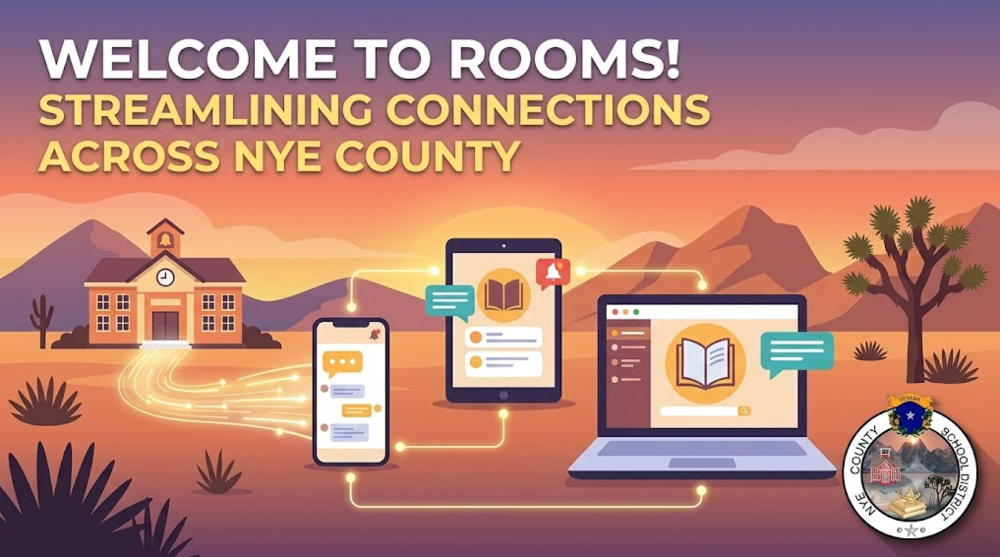
We heard you! All NCSD schools and staff members are now using Rooms for all direct classroom and school communications. With this transition, Class Dojo has been officially retired across the district.
Below is everything parents, step-parents, and students need to know to get connected in Rooms (formerly known as EduRooms) inside our official NCSD App.
Key Features & How to Access Rooms
Instant Access for Parents and Step-Parents
No Invitation Needed: Both parents and step-parents listed in Infinite Campus (IC) now have active accounts. You do not need to wait for an invitation to log in.
Infinite Campus Alignment: Simply log in using the email address or mobile phone number currently on file with your child’s school in Infinite Campus.
Important Note on Shared Contact Info: If two guardians share the exact same phone number or email address in Infinite Campus, standard login will not work because the system cannot verify who is requesting the passcode. Please ensure each parent/guardian has unique contact information updated with your school secretary.
Simple, Password-Free Logins
Zero Passwords to Remember: Rooms uses a quick passcode verification system. Enter your registered mobile number or email address, and Rooms will text or email you a one-time code to finish logging in.
Student Logins: Students can sign in effortlessly using the "Sign in with Google" button with their official @nyeschools.org student email address.
NCSD Staff Logins (as Parents): District employees who are also NCSD parents must log in using their personal mobile phone number on file in IC. (Your district work email is tied directly to your staff employee account within the Apptegy Rooms system for employees).
What to Do If You Need Help Logging In
Individualized Teacher Codes: If you experience any difficulty logging in, your child's teacher can generate a unique invitation code for you.
Please note: These invitation codes link a parent to one student at a time. If you have multiple children or multiple teachers, you will need to receive a separate code for each child/class.
Automated Account Activation Invites Starting August 4th
To ensure no family is left out of the loop, we will begin sending automated invitation texts and emails on August 4th to anyone in Infinite Campus who has not yet activated their Rooms account.
If unactivated, you will receive a reminder invite every three days for two weeks until account setup is complete.
Need Help? Visit the Parent Toolkit!
We want to make accessing Rooms as seamless as possible for all of our families across Nye County.
For step-by-step guides, troubleshooting tips, and links to help sites for district digital platforms, including Rooms and Infinite Campus, visit our district website and navigate to:
Thank you for partnering with us as we streamline district communication and strengthen the bond between our schools, families, and communities!
Resources: